
For help on creating a space map and integrated purchasable items, head on over to our Click-N-Buy Space Map help article.
BOOTH MAP PRINTOUT
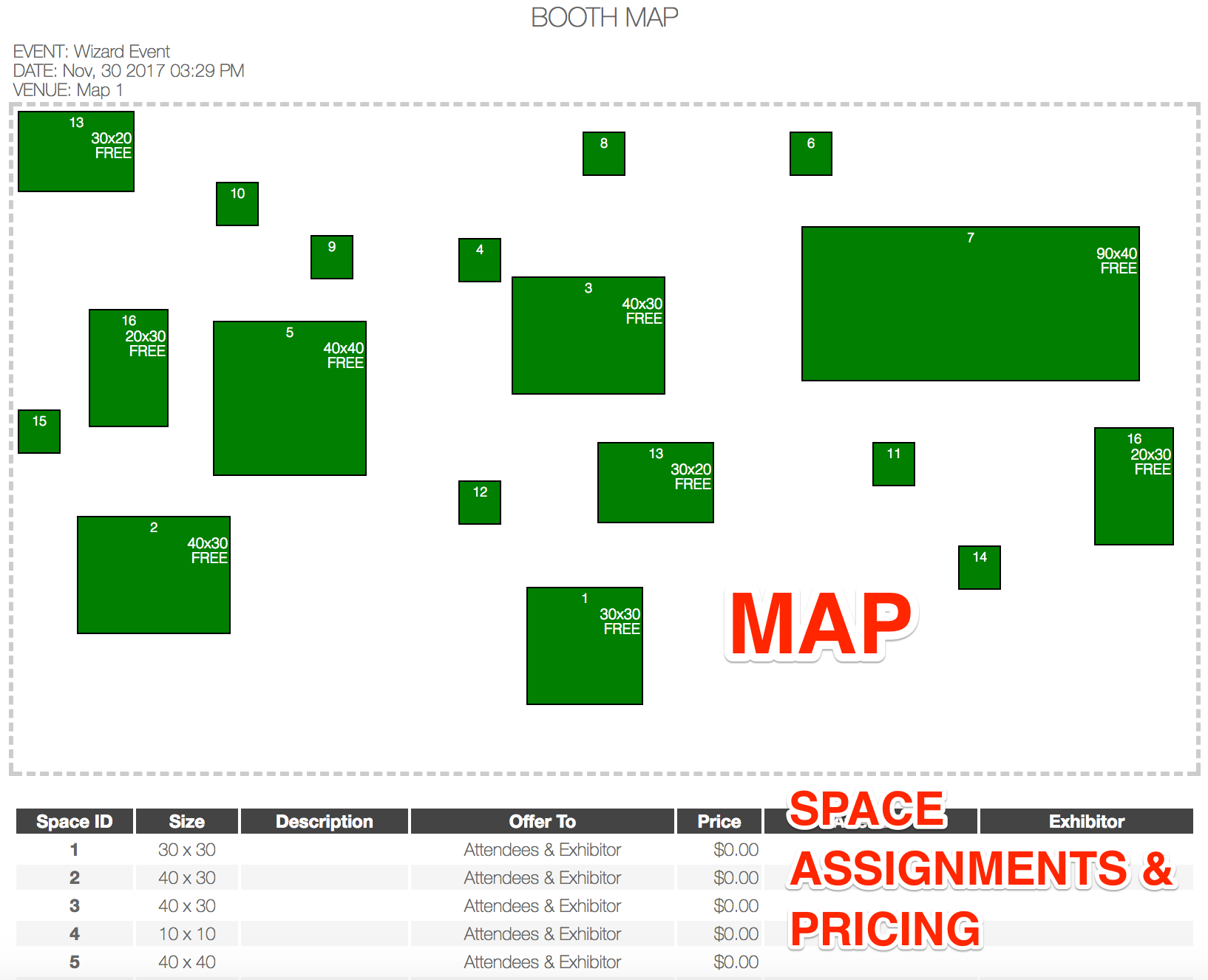
Eventsquid's Booth Map gives you a quick look at your entire map, with details on each space available for purchase (including the Attendee/Exhibitor that bought the space and the pricing you assigned to the space).
Check out an example of the printout below, to get a feel for it:
We recommend you set your printer settings to landscape mode, with the ability to print background colors.